After reading, you will be able to:

  1. 1️⃣ Tell in one sentence whether JPEG and JPG are different (they are not).
  2. 2️⃣ Rename a single file or a whole folder to .jpg without losing any quality.
  3. 3️⃣ Know the rare cases where you truly need a converter, not a rename.
Batch Picture Resizer Kuvakaappaus.
️ Eugene - SoftOrbitsin päätoimittaja, tietojenkäsittelytieteen tohtori, SoftOrbitsin teknologiajohtaja
📅 Viimeksi päivitetty:  2026-10-09

To convert JPEG to JPG, rename the file. JPEG and JPG are the same image format, with only the three letters at the end of the file name changed. A .jpeg and a .jpg open in the same apps at the same quality. If a form rejects .jpeg, change the extension to .jpg. This guide covers Windows, Mac, batch renaming, and the cases that need a real converter.

Windows 11 / 10Ilmainen kokeilu, ei rekisteröitymistä


Mitä opit
Hae kohteessa 9 min Tallennukset 5-10 minBeginner

Are JPEG and JPG the same format?

TL;DR

Yes. JPEG and JPG are one and the same format with identical data and identical quality. The shorter .jpg extension only exists because old MS-DOS and early Windows allowed file extensions of just three letters.

Both names refer to the standard created by the Joint Photographic Experts Group, which is where JPEG comes from. MS-DOS and the Windows versions built on it could show only three-letter extensions, so .jpeg became .jpg. Mac and Unix systems kept the full .jpeg. The image stays byte-for-byte the same, including the JFIF container, compression, and color data.

If your file has the .jfif extension, you can simply rename it to .jpg: the image data inside is standard JPEG. You can also read the format history on the JPEG entry at Wikipedia.

Why two extensions still exist today:

Cameras and apps chose different defaults. Some write .jpg and some write .jpeg, so a folder can contain one extension when a website wants the other.

What to do when a program only opens .jpg files

TL;DR

Rename the file extension from .jpeg to .jpg. The program is checking the name rather than the image, so changing those letters makes it accept the file with no quality loss and no special software.

An older photo printer or a job-application portal may reject a file that does not use the .jpg extension. The file itself can still open in your other viewers. Rename it before trying a converter.

Rename a .jpeg to .jpg on Windows

Turn on file name extensions first

Open File Explorer, click the View menu, then Show, and tick File name extensions. On Windows 10 the checkbox sits on the View ribbon directly. Without this, Windows hides the .jpeg and you will rename blind.

Right-click the file and choose Rename

Select your photo, press F2 or right-click and pick Rename. The whole name becomes editable, including the extension.

Replace .jpeg with .jpg and press Enter

Change only the part after the dot, so photo.jpeg becomes photo.jpg. Leave the name itself alone. Windows asks whether you are sure you want to change it. Confirm with Yes. The thumbnail does not change because the image did not change.

Batch Picture Resizer Batch Picture Resizer

Batch Image Resizer on helppo ja käyttäjäystävällinen työkalu auttaa sinua muuttaa useiden valokuvien kokoa, muuntaa, kääntää, peilata, peilata tai kääntää niitä erätilassa.

How do I batch rename many .jpeg files to .jpg on Windows?

TL;DR

Select every file, press F2, and Windows renames the whole batch at once. For thousands of files, a one-line PowerShell command flips the extensions in seconds. Both are free and built in.

You can rename JPEG to JPG in bulk inside File Explorer. For a whole folder, use PowerShell:
Get-ChildItem *.jpeg | Rename-Item -NewName { $_.Name -replace '\.jpeg$', '.jpg' }

PowerShell vs Command Prompt:

Run the line above in PowerShell. Hold Shift while you right-click the folder, then choose "Open in Terminal" or "Open PowerShell window here." The old ren *.jpeg *.jpg trick belongs to Command Prompt. Mixing the command and shell can produce a "ren is not recognized" style error.

Threads in the Adobe Bridge community discussions also describe exports arriving as .jpeg after an app changes its default.

How do I change a .jpeg to .jpg on a Mac?

TL;DR

Click the file name in Finder, press Return, and edit the extension to .jpg. To fix a whole folder, select many files, right-click, and use Rename. macOS keeps the full image intact.

If the extension is hidden, select the file and open Get Info with Command-I. Uncheck Hide extension, click the name in Finder, press Return, change .jpeg to .jpg, and confirm with Use .jpg.

For many files, select them, right-click, choose Rename, and use the "Replace Text" option to swap jpeg for jpg. You can also open the image in Apple's Preview and choose Export to save as JPEG.

Will renaming .jpeg to .jpg reduce image quality or break the file?

TL;DR

No. A rename touches only the file name and never the pixels, so there is zero quality loss. Quality drops only if you open and re-save the image in an editor, which re-compresses it.

Renaming does not decode, re-encode, or recompress the image. Opening the photo in Paint or Photoshop and choosing Save As JPEG re-encodes it with lossy compression. For a JPEG-to-JPG change, rename the file without opening and re-saving it.

Does changing the extension delete or change EXIF metadata?

TL;DR

No. Renaming the extension leaves all EXIF and IPTC metadata fully intact, including the shooting date and the GPS location, because it never opens or rewrites the file's contents.

Your capture date, camera settings, and GPS tags survive a pure rename. Metadata specialists confirm this in the ExifTool support forum. Re-saving the image or exporting it through some online tools can remove metadata.

Is an online JPEG to JPG converter worth it?

TL;DR

For a plain JPEG-to-JPG change, no. Online tools upload your image to a stranger's server, make you wait, and hand back a renamed file, sometimes with a re-encode that quietly lowers quality.

For this task, an online tool uploads the photo to a third-party server and performs a rename that takes a right-click locally. Some tools also re-encode the image. You might use one on a locked-down work machine where you cannot rename files, or on a phone with no easy file manager.

How to convert image to JPG when you need a real converter

TL;DR

You need a true converter only when the source is a different format such as camera RAW or iPhone HEIC going to JPG. That is a genuine re-encode, and a desktop batch tool handles dozens of files offline.

A rename works when the file is already a JPEG and only the extension is wrong. A real conversion is needed when the bytes inside are another format that must be re-encoded into JPEG. Examples include a Canon CR2, an iPhone HEIC photo, a layered Photoshop PSD, and a print-ready TIFF.

For those formats, a desktop tool such as Batch Picture Resizer processes a whole folder offline and gives you a quality slider before export. Nothing is uploaded, and a batch of two hundred photos finishes in one run.

Your situationWhat to do
File is .jpeg, a form wants .jpgRename the extension (this guide)
Camera RAW (CR2, NEF) to JPGRAW to JPG converter
iPhone HEIC to JPGHEIC to JPG converter
Camera DNG to JPGDNG to JPG converter
Print-ready TIFF to JPGTIFF to JPG converter

Pitfalls when converting JPEG to JPG format

TL;DR

Most JPEG-to-JPG trouble comes from hidden extensions, re-saving instead of renaming, or mixing up the shell command.

✔️ The double extension trap.

Rename with extensions hidden and you get image.jpeg.jpg, which opens in nothing. Windows hides known extensions by default, so turn on File name extensions before you rename. The same issue appears in Microsoft Q&A threads.

✔️ Re-saving in an editor instead of renaming.

Opening the photo and exporting it again re-compresses the pixels. For a JPEG-to-JPG change, edit the file name.

✔️ Running the wrong shell command.

The ren *.jpeg *.jpg shortcut works in Command Prompt, not PowerShell. Match the command to the shell. Bulk-rename questions appear in Microsoft Q&A threads.

✔️ Assuming a rejected upload needs a real conversion.

When a site rejects .jpeg, it may only require the .jpg extension. Try renaming the file first. People discuss this problem in Tom's Guide forum threads.

✔️ Expecting the thumbnail or file size to change.

The preview and file size stay the same after a rename.

Batch Picture Resizer Batch Picture Resizer
JPEG and JPG are the same format. Learn how to convert JPEG to JPG by renaming the extension on Windows or Mac - no quality loss, no upload.
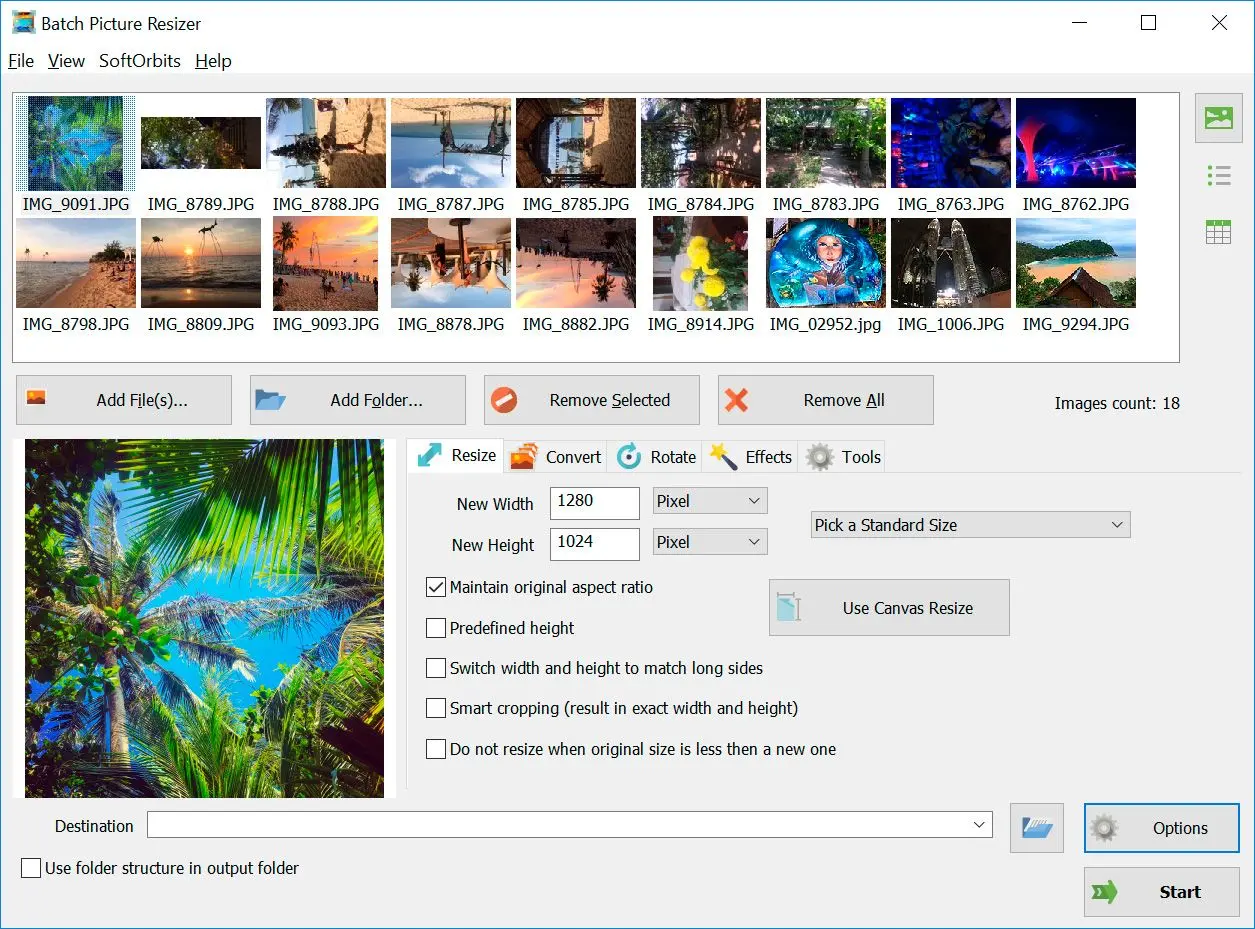
Batch Picture Resizer Kuvakaappaus.


🙋Usein kysytyt kysymykset

Neither, because they are the same format and the quality is identical. Use whichever extension the site or program asks for.

No, only the files a specific program or upload form rejects. There is no general benefit to changing every file.

Rename inside the Files app, or use the Shortcuts app to batch-rename. Most apps treat .jpeg and .jpg the same, so you rarely need to.

A default changed in its export settings. You can switch it back, or batch-rename the exports with the Windows or PowerShell method above.

Some do, because of a strict extension check. The image is valid either way, and the rename satisfies the check.

Sources